

AI YOU APPROVE
AI that works on your context,
and asks before it writes.
Ask a question in English or Arabic, fill a column across every record, research a company with its sources. Every change waits for a person to accept it, and your private context is never used to train models.
A work email reserves 5,000 credits ($50).
A person approves every change · Never used to train models · English and Arabic
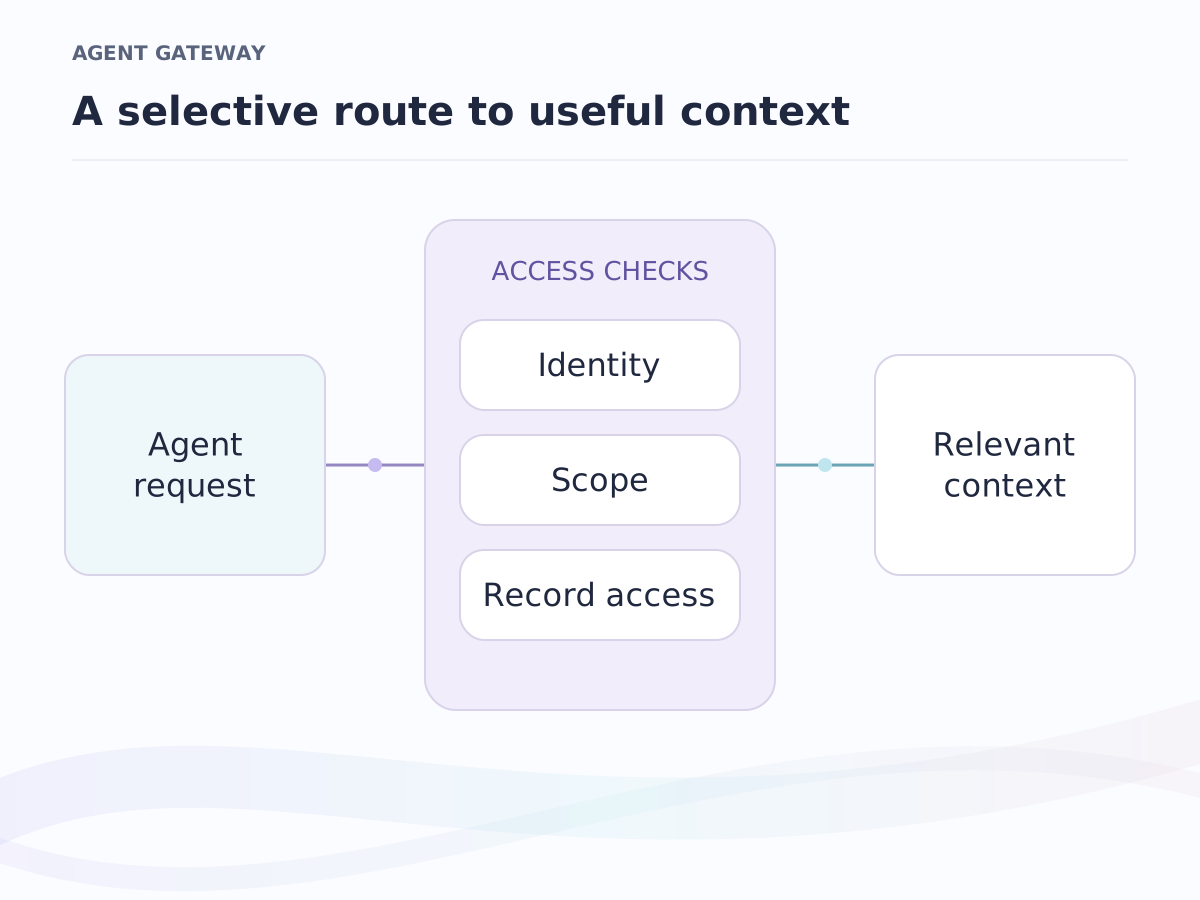
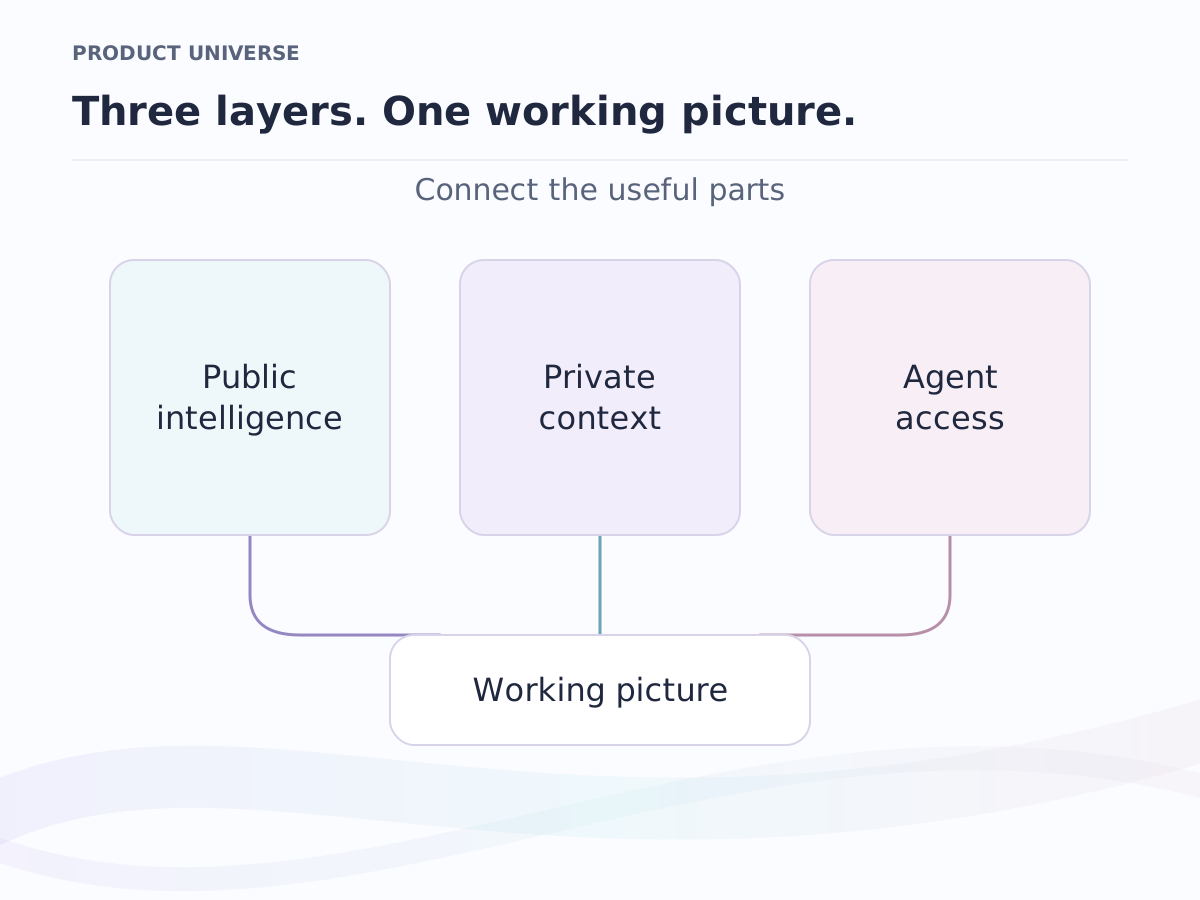
Where it sits. Part of agent access: the review that holds Ishara's own AI also holds every agent you connect through API and MCP, and both read your private context under your access rules.
AI attributes
A column that fills itself in
Add an AI attribute the way you add a text or formula field, on Companies, People, Deals or any object of your own. Pick the fields it may read, say what you want, and it runs across every record.
- Summarise the record
- one paragraph from the fields you tick, so a new teammate reads the account in a minute
- Answer a prompt
- a text, number or currency field filled from the record and your question
- Classify into an option
- a value you can filter, group and report on, chosen from the fields it read
- Research on the web
- a field filled from what the web says about the company, with the sources cited beside it
Change the prompt or the inputs and the column runs again. Run it on the records that need it and only the empty ones are touched.
Ask Ishara
Ask a question. Get a view, a report or a next step.
Type what you want in English or Arabic: the companies in Doha nobody has emailed in a month, the deals closing this quarter above a value, the win rate by owner since June. Ishara turns the question into a filter, a view you can save, a report, or an action it proposes, and nothing is written until you accept it.
- A filter
- the question becomes the exact filter, which you can read, edit and keep
- A report
- a funnel, a win rate or a velocity, on the records the question named
- A proposed action
- a change to records waits in Review with every value it would write
- Research with sources
- ask one question about one record and the answer arrives with its sources cited
The review queue
AI you approve before it writes anything
The AI proposes a value for one record. The proposal waits in the queue with the record, the field, and the exact value that accepting would write. Accept writes it, marked as AI so you can always tell it apart; Reject writes nothing.
- Default
- every proposal waits for a person; an admin can let the fields you trust apply on their own, still marked as AI
- Data boundary
- one workspace setting decides what may reach a model: the fields you declared, or record titles only
- Allowed models
- listed per workspace, so the choice of model is one decision, not a per-feature surprise
- Training
- never: your private context is supplied at the moment of a request and is not used to train models
Beyond attributes
Every number says how it got there
Scores, risk reads and briefs come with their reasons, so a wrong one is visible at once.
- Deal scores
- a score per open deal with a one-sentence reason
- Deal risk
- a read that names its factors: stage progress, recent activity, age, overdue items
- The coach
- a diagnosis, next steps each with a why and a timeframe, and the one question to ask next
- Write with AI
- a draft from the record and rewrites in the composer, every one undoable
- Prep briefs
- a short brief per investor, built from profile facts and your own warm paths, part of matching
- Call next steps
- a summary, action items and risks from every recorded meeting, on call intelligence
- Agents that propose
- an agent step in automations, an MCP-compatible assistant or the API may propose changes; every one waits in the same Review inbox with the values it would write
Frequently asked questions
Does the AI write to records on its own?
Only if you tell it to. By default every proposal waits in the review queue until a person accepts it. An admin can let a field, or the workspace default, apply on its own, and every value written that way still shows as AI.
What data leaves the workspace?
Only what the data boundary allows: the field values you ticked for an attribute, or record titles only. Your private context is supplied at the moment of a request and is never used to train models.
Which models does Ishara use?
Several, listed in the workspace policy. Every AI feature uses the same list, so the choice of model is a workspace decision.
Can I tell an AI value from a typed one?
Yes. Accepted values are marked as AI, a filter separates them from anything a person typed, and a rejected proposal stays on the job so an empty field still explains why it is empty.
Does this work for agents we build ourselves?
Yes. An agent connected through MCP or the API reads with the permissions of the person whose key it uses, and anything it wants to change waits in the same Review inbox.
Keep exploring
Where to go next.
Agent access
Permissioned context for your models and agents, through API and MCP.
API and MCP
Give your agents and code the same context your team sees, under your rules.
Integrations
Google Workspace, Microsoft 365 and WhatsApp Business, connected.
Early-access pricing
Free, Pro and Business per seat. Enterprise is scoped with the team.
See exactly what it wants to write.
Join the waiting list, add an AI field to any object, and read each value in Review before it lands. A work email reserves 5,000 credits ($50).
Early access in waves · A work email reserves 5,000 credits ($50) · Arabic and English