

AUTOMATIONS
The follow-up happens on time,
whether or not you remember.
Test a rule on the records you pick with nothing written, then publish it. Open any run to read what each step did, and route every new lead to the right person the moment it arrives.
A work email reserves 5,000 credits ($50).
Test mode on every rule · Signed webhooks · Agents propose, a person approves
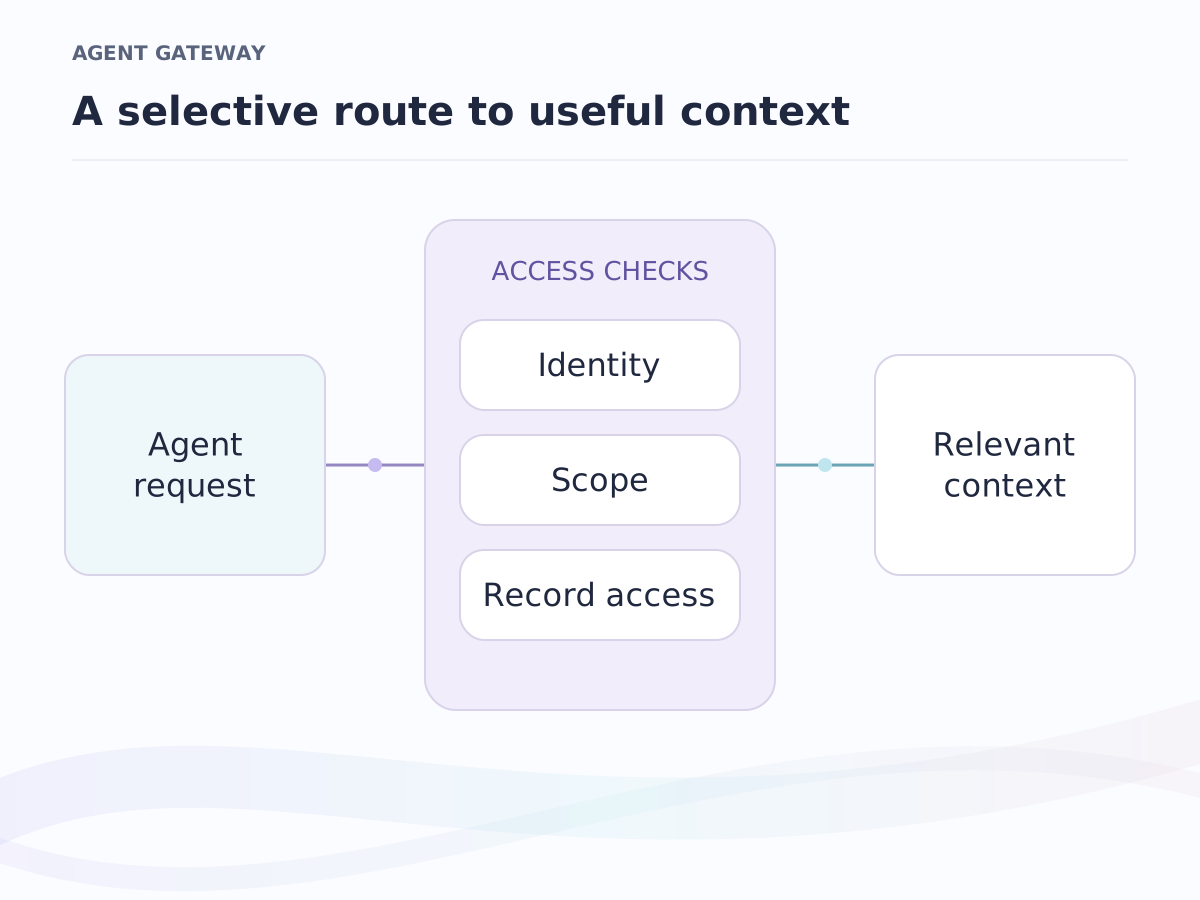
Where it sits. Part of agent access: rules, signed webhooks and the API act on your private context under your access rules, and an agent step proposes changes that a person approves.
Triggers
The moment something happens, the next step is done
A rule starts from any of these moments, on any object, your own included.
- Record created
- a new company, person, deal or record of your own
- Record updated
- or only when the attributes you name change, such as Stage or Owner
- Record archived
- when a record leaves the working set
- Added to a list
- any list, or one named list
- Task created
- on the record the task belongs to
- Task completed
- when someone ticks it off
- A date arrives
- on the day, or days before or after any stored date: three days before Closing date, for example
- A signal lands
- a job change on a person, a tender or a raise on a company, a relationship cooling, or a cadence that came due
- Manual
- run for real on the records you pick
Conditions use the same and/or/not filters as your views. Publishing a version is the on switch, and a rule only ever acts from the moment it goes live.
Runs
Test it on three records before it touches three hundred
Every run is something you can open. Each step says what it did, or what it would have done, under the version it ran.
Test run
Pick the records and run the rule in test mode. Every step records what it would have done: "would have set Stage to Shortlisted", "would have created a task". Nothing is written.
Real run
The same steps write for real, and every value they write is tagged automation. Cancel stops a run and its queued mail; Replay runs a finished one again against the current version.
Waits and quiet hours
A step can wait minutes or weeks and pick up where it left off. Email waits for business hours, and a run stops itself the moment the contact replies.
A step that fails retries on its own. If it keeps failing, the run is kept with its state intact and the owner gets one notification. An agent step follows your prompt, uses only the tools you allowed, logs every call in the run, and anything it wants to write waits in Review.
Routing
Every new lead lands with the right person
Territory rules claim the records that match them; a round-robin pool shares the rest evenly. Assignment happens the instant a record arrives, so two leads landing together never end up with the same next person.
- Territory rules
- by country, sector, size or any attribute you choose
- Round robin
- a pool of people, each taking the next record in turn
- Ownership
- the assigned owner is written on the record, where every view and report already reads it
Example data
Webhooks and API
Webhooks out, actions in, both signed
Outbound, every event can reach your own systems as a signed delivery that retries until it lands. Inbound, an API key with write access lets any tool create a deal, move a stage, add a contact or log an activity, with Zapier and Make guides in the app.
- Event
- One delivery per subscriber
- Signed and timestamped
- Delivered
- ReplayAny delivery, any time
API keys act with their owner's permissions, carry Read or Write and an expiry, and every request is logged. MCP-compatible AI assistants and coding tools read the same records and propose changes through the same Review. The developers page covers the API and MCP tools; more connectors are on integrations.
Frequently asked questions
What starts a run?
A moment in the CRM: a record created, updated (or only when chosen attributes change) or archived, a record added to a list, a task created or completed, a date arriving, a signal landing, or a manual run on the records you pick. Conditions use the same filters as views.
Can I test a rule before it does anything?
Yes. Test mode runs the rule on the records you pick and every step records what it would have done. Nothing is written, and the run is marked Test.
What happens when a step fails?
It retries on its own. If it keeps failing, the run is kept with its state intact so you can read which step failed and why, then Replay it. The rule's owner gets one notification per failing rule, not one per run.
Are webhooks signed?
Yes. Every outbound delivery carries a timestamp and a signature over the exact body, using a secret shown once at creation. Inbound actions use an API key with write access and are logged to the same request log.
Keep exploring
Where to go next.
Agent access
Permissioned context for your models and agents, through API and MCP.
API and MCP
Give your agents and code the same context your team sees, under your rules.
Integrations
Google Workspace, Microsoft 365 and WhatsApp Business, connected.
Early-access pricing
Free, Pro and Business per seat. Enterprise is scoped with the team.
Publish one rule and watch it run.
Join the waiting list, build a one-step rule, run it in test mode and read the run end to end. A work email reserves 5,000 credits ($50).
Early access in waves · A work email reserves 5,000 credits ($50) · Arabic and English