

Agent access
Give your AI agents
your business context.
Connect MCP-compatible AI assistants and coding tools, or your own systems through the API. They read the people, companies, meetings, follow-ups and deals your team knows, as the person who issued the key, and propose changes your team approves.
A work email reserves 5,000 credits ($50).
Acts as its owner · Changes wait for review · Revoke any key
Prepare me for Thursday with Rimal Logistics.
Callingishara_context_bundleas Omar, under his access
Here is what your team knows about Rimal Logistics:
propose_changesNew task for OmarWaiting for reviewSend the revised pilot scope to Rana before Thursday.
Evidence: "We'll send the revised scope before we meet again." Call, 12 October.Example with a fictional company. Read as the key's owner. Nothing changes until a person applies it.
MCP tools
What your agent can call
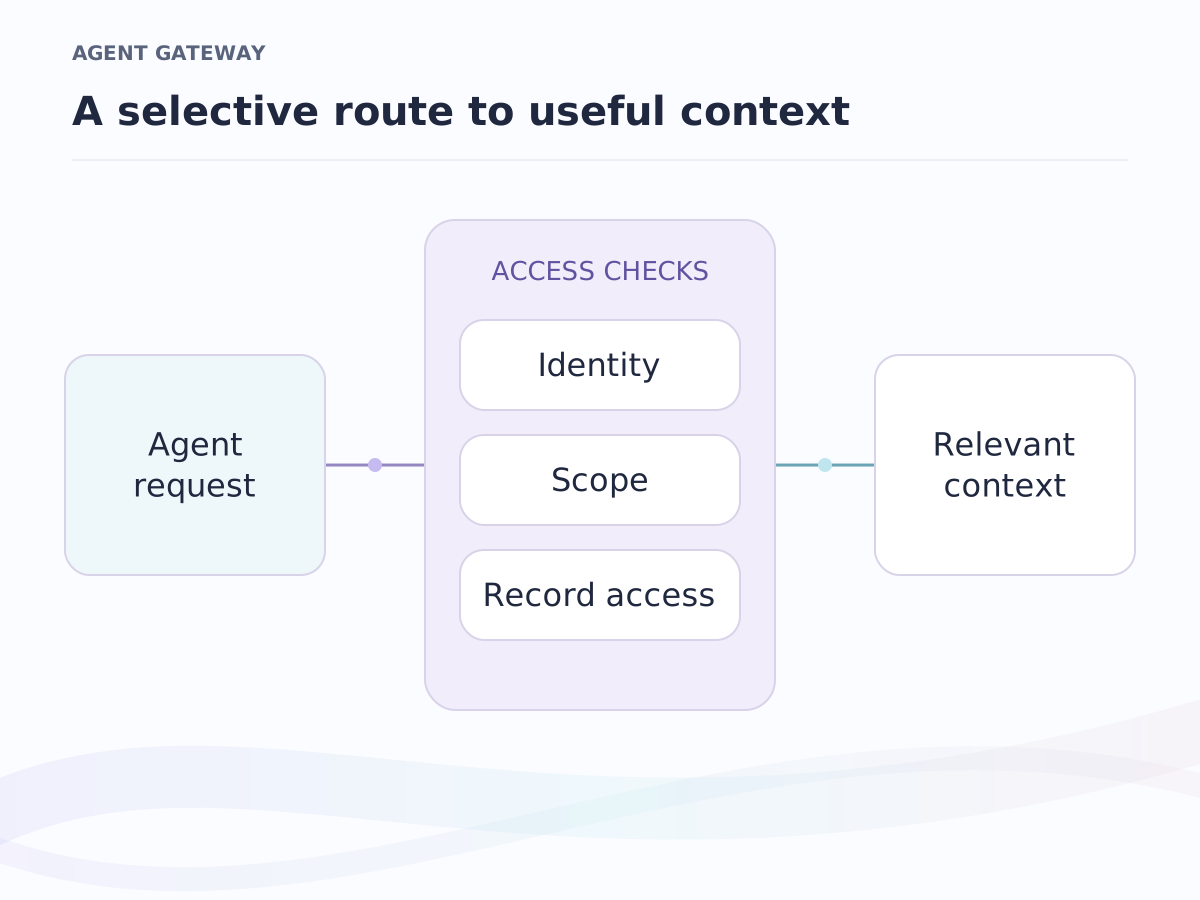
Every tool reads as the person who issued the key, and only what that person may read. The proposal tools suggest changes; they never apply them on their own.
Context
What your team knows about a meeting, a person or an account.
ishara_context_bundleEverything about a meeting's people and companies in one call: cards, history, follow-ups, recent email subjects and open deals.ishara_people_contextWho a person is and how your team knows them.ishara_followups_openThe commitments still open on a person or company.ishara_mail_contextRecent email threads: subject, date and who wrote last. Never message bodies.
All 9 context tools
ishara_companies_contextA company's profile, with your meetings and open deals with it.ishara_company_teamThe people at a company, by function and level.ishara_relationship_historyPast meetings with the people you name: summaries and what was agreed.ishara_deals_contextOpen deals on a company or person: stage, value and close date.ishara_brief_getA pre-meeting report your team already has.
Records
Your CRM, with the permissions its records already carry.
crm_searchFind a record by name, email address, domain or number.crm_record_getOne record with its values and the lists it is on.crm_record_interactionsCalls, meetings and email on a record, as metadata.
All 7 records tools
crm_records_listRecords of any object, filtered and sorted.crm_listsYour saved lists, withcrm_list_entriesfor what is on them.crm_record_notesThe notes on a record.crm_record_tasksThe tasks on a record, open first.
Proposals
Changes an agent suggests and a person approves.
propose_changesSuggest new records, notes, tasks or field updates, with a reason and evidence. Nothing changes yet.list_proposalsSee which proposals are waiting, applied or rejected.apply_proposalApply a proposal, only with a scope your team grants on purpose.reject_proposalTurn a proposal down, with a reason.
Setup
Connected in three steps
- Create a key
In Settings, under Integrations, create an API key and choose what it may do: read context, read records, propose changes. The key acts as you, under your access.
- Connect your agent
Add the Ishara MCP server to an MCP-compatible AI assistant or coding tool, or call the API from your own system.
- Ask, then review
Your agent reads what you may read. Any change it proposes waits in Review until a person applies it.
tool: ishara_context_bundle
{
  "attendees": [
    { "email": "rana.mansour@rimal.example",
      "name": "Rana Mansour" }
  ]
}
One call returns the people, the history, the open follow-ups, recent email subjects and open deals, with anything the key's owner may not see left out and said so.
From an answer to an action
Your agent proposes. A person decides.
An agent can suggest a task, a note or a field update, with its reason and the evidence behind it. The preview shows each value before and after, so your team decides what becomes part of the record.
Review is the default. An administrator can let a narrow set of low-risk changes, such as notes and tasks, apply without review.
See AI you approveExample workflow
Review a bid before it goes out
- Read the context. The buyer's history with your team, the last meetings and what is still open.
- Propose the next step. A task for the bid lead, with the reason and the sentence it came from.
- Review and apply. The bid lead checks what will change, then applies it or turns it down.
Access you control
Your rules travel with the context
Acts as its owner
A key acts as the person who created it, in their workspace. Their record permissions decide what the agent can read.
Scopes you choose
Grant only what the connection needs. Proposing changes and applying them are separate permissions.
Every read is recorded
Each context request is logged with its purpose, so your team can see what an agent read and for whom.
Switch it off
An administrator can turn context sharing off for the whole workspace, or revoke a single key.
Your private context is supplied at the moment of a request and is never used to train models.
Frequently asked questions
Is our data used to train AI models?
No. Your private context is supplied at the moment of a request and is never used to train models. An agent reads it under the key owner's access, only for the request it is making.
Which agents can connect?
MCP-compatible AI assistants and coding tools connect through the Ishara MCP server, and any system that can send an HTTPS request can call the API. Each connection uses a key your workspace issues, with the scopes you choose.
Does the agent read our email?
It sees who wrote, when and the subject line, under each mailbox's sharing settings. The MCP tools never return message bodies.
Can an agent change our records?
It can propose changes, each with a reason, evidence and a before-and-after preview. A person applies them in Review, unless a member deliberately gives a key the apply scope. An administrator can allow a narrow set of low-risk changes, such as notes and tasks, to apply without review.
Does an agent get more access than its user?
No. A key acts as the person who created it, and every request is checked against that person's permissions. Scopes narrow it further, an administrator can switch context sharing off for the workspace, and any key can be revoked.
How do we get access?
Join the waiting list with your work email; it reserves 5,000 credits ($50). When your invite arrives, your workspace opens on the Free plan. Free includes read-only API and MCP access, 1,000 reads a month. Pro adds API keys, webhooks and 50,000 reads a month, Business 500,000, and Enterprise works at organisation scale. How early access works →
Keep exploring
Where to go next.
Market intelligence
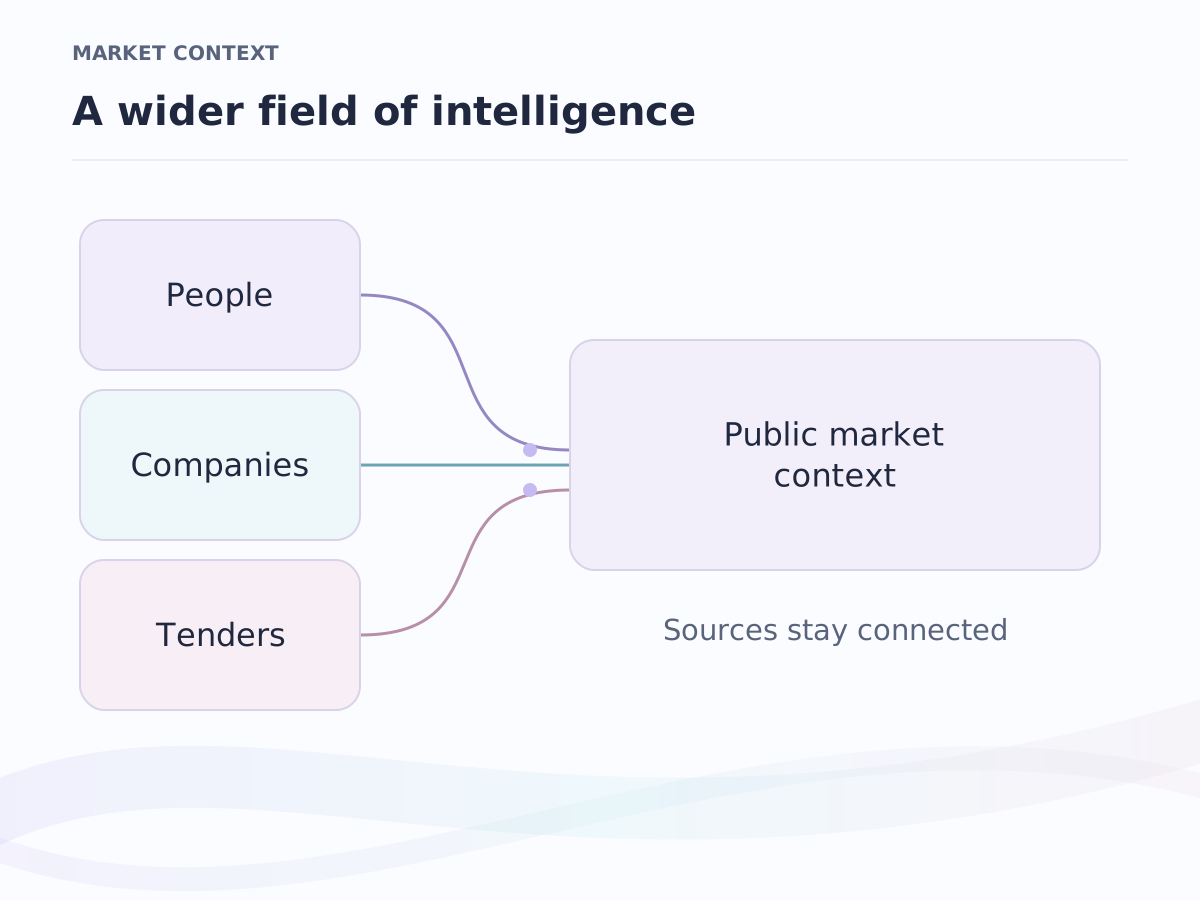
People, companies, investors and government tenders, already researched.
Private context
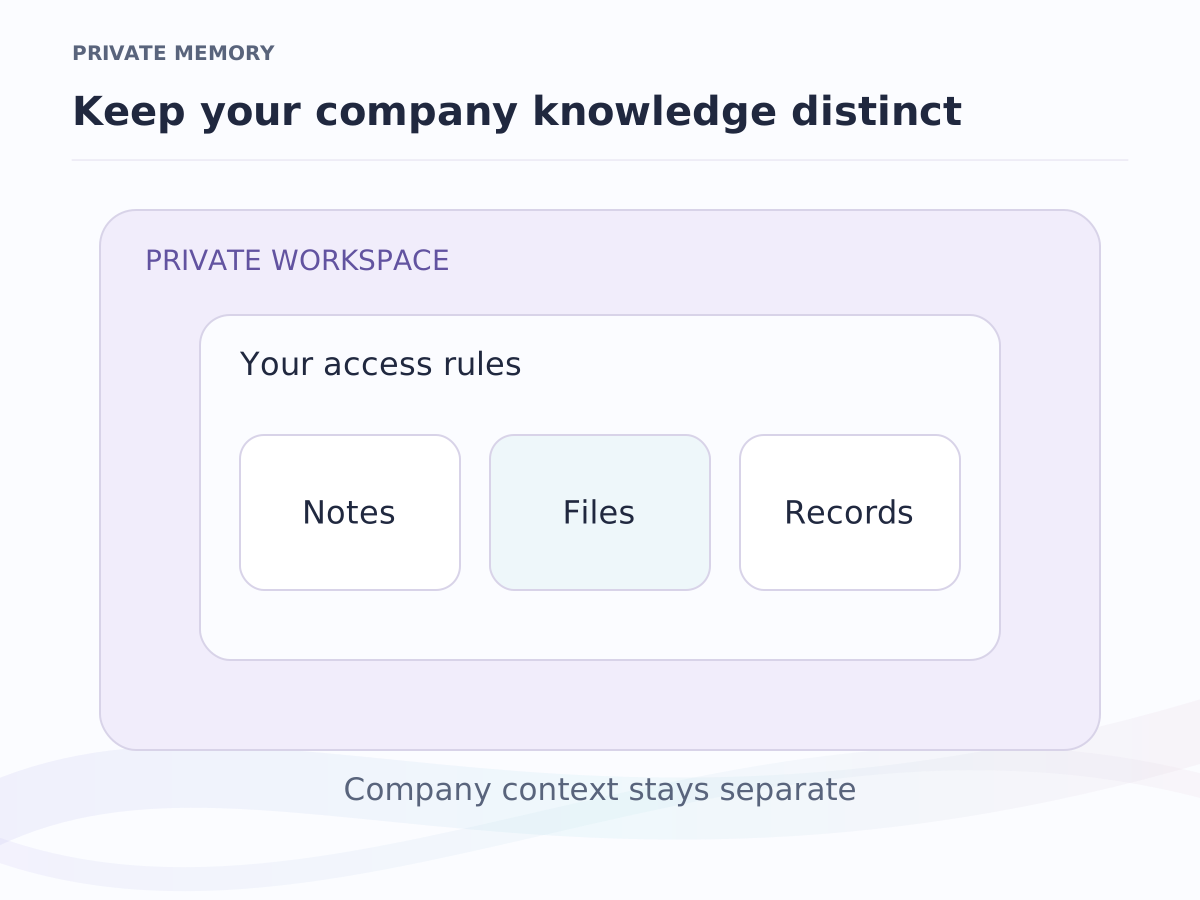
Email, meetings and records, resolved into people, decisions and next steps.
API and MCP
Give your agents and code the same context your team sees, under your rules.
Early-access pricing
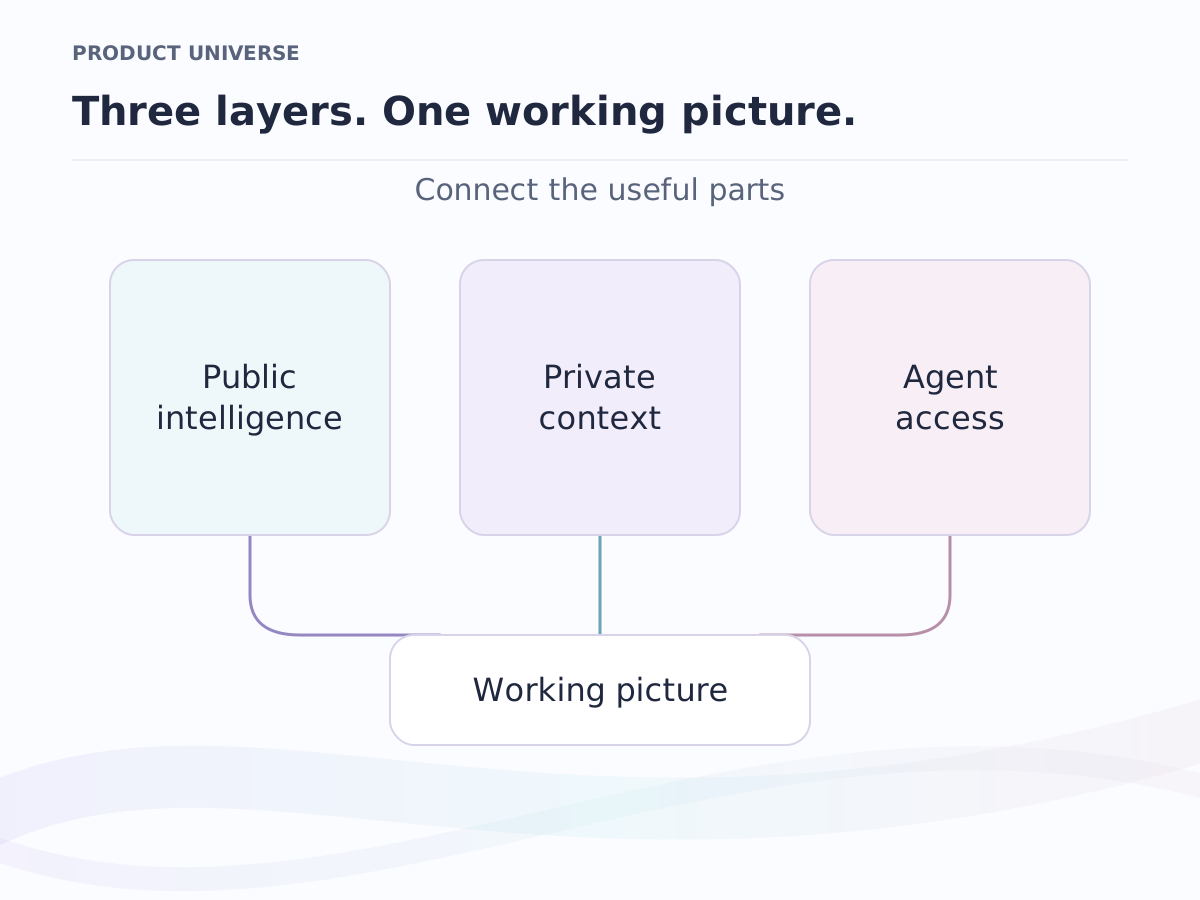
Free, Pro and Business per seat. Enterprise is scoped with the team.
Give your agents the context your team has.
Join the waiting list with a work email to reserve 5,000 credits ($50). When your invite arrives, our team moves you to Pro and you connect your first agent.
Early access in waves · A work email reserves 5,000 credits ($50) · Arabic and English