

Imports and data
Bring your CRM or spreadsheet with you,
and keep its shape.
A direct connector, a CSV import or the API. Your custom objects, owners, lists and notes arrive as they were, and a preview shows the result before a row is written.
A work email reserves 5,000 credits ($50).
Early access in waves · Spreadsheet imports on Free · Your data exports any time
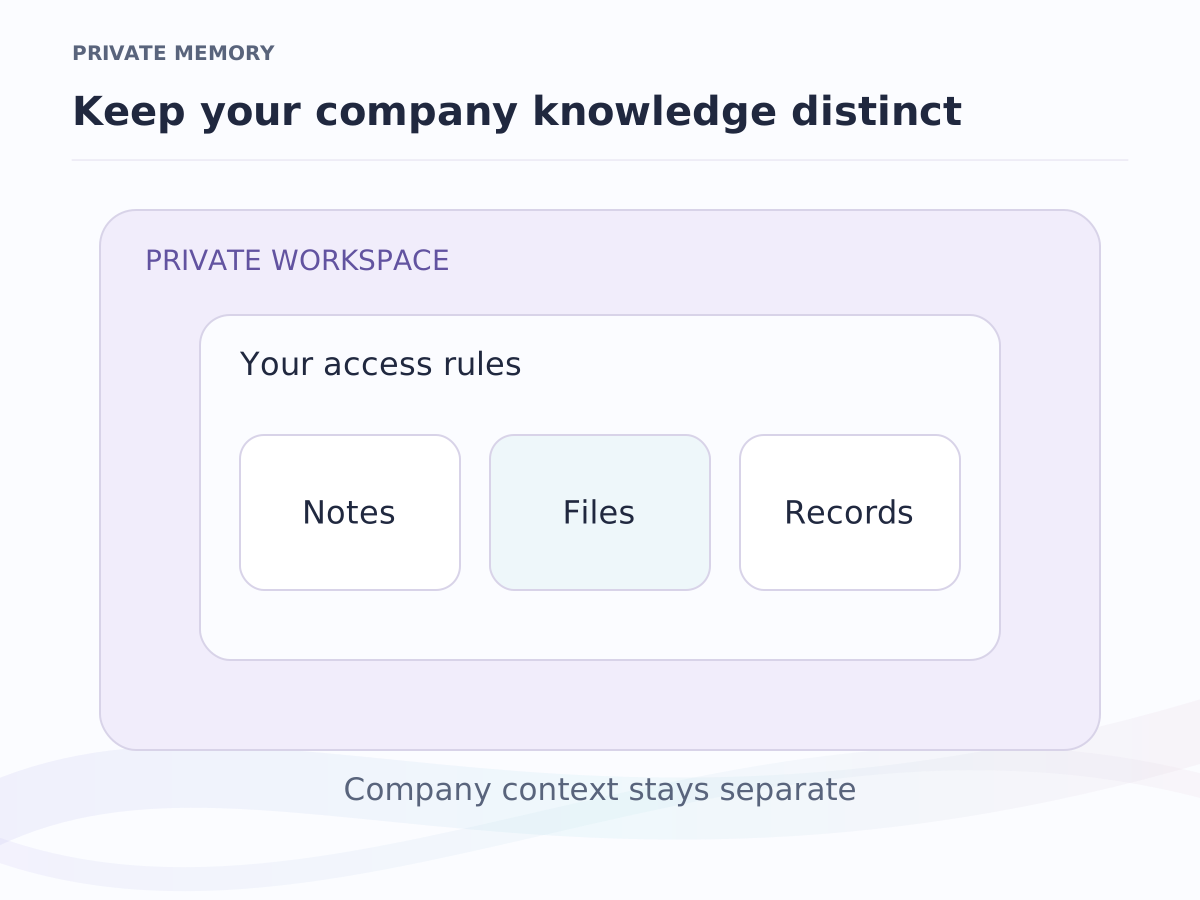
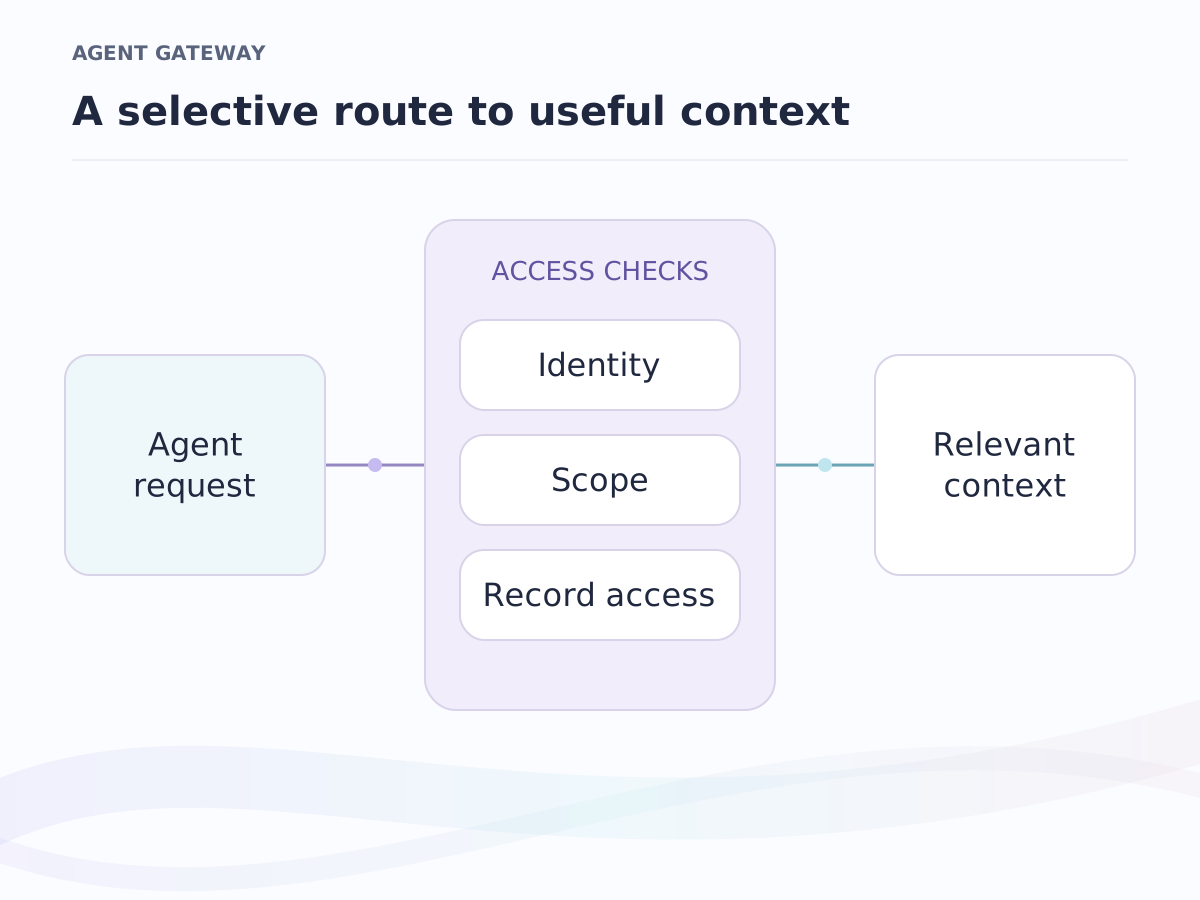
Where it sits. Imports feed private enterprise context: the records you bring become the base your emails and calls attach to, and models and agents can read them through the API and MCP, under your team's access rules.
Three ways in
Bring the book, keep its shape
Ishara reads Attio, Pipedrive, HubSpot exports, any CSV, or the API. Custom objects arrive as custom objects, owners as owners, lists as lists; nothing is flattened into somebody else's three tables.
Connect a CRM
Paste one key and a preview counts every record, list, member, note and task before anything is written. Run it again later and existing records update instead of duplicating.
Upload a spreadsheet
Map the columns once, to typed fields. Exports from other CRMs are recognised and mapped for you.
Use the API
Create and update Companies, People, Deals and your own objects from any script, with the same permissions as the screen.
Preview first
See exactly what will land before it lands
Every import shows its result before a single row is written: how many records, which owners, which lists. Rows that need fixing come back as a file with the reason on each, so you correct them and run again. Owners keep their records and each pipeline becomes a board.
- File
- Map
- Preview
- Import
Clean and complete
Records that fill themselves in
Add a company by its domain and the logo, name, description and socials arrive on their own. Duplicates are found and merged field by field, with nothing lost.
Enrichment on every company
Logos, domains, descriptions and brand colours arrive as records are created or imported. You choose whether enrichment fills empty fields, overwrites, or waits for a person to accept each value, the same review as AI you approve.
Merge you can trust
Two records become one, field by field: you pick a value where they differ, multi-value fields keep both, and notes, tasks, comments and list memberships move with the survivor. The old link redirects.
Nothing disappears by accident
Deleted records are archived and restorable. Deal and contact actions undo, and every record keeps a timeline of who changed what.
Portability
Leave with everything, any time
Nothing about the way in makes the way out harder.
Every view exports, a backup takes everything
Any view exports as CSV with its own filter and sort. A full backup exports as JSON or XLSX and restores into a fresh workspace with contacts matched by email. Leaving deletes nothing and there is no exit fee.
Outlook calendar and contacts
Calendar events and contacts from Outlook or Microsoft 365 land in the workspace as deal activities and People, on a schedule you choose, with a rule for who wins when both sides changed. Mail on records is the email connection.
Weighing the switch? The comparison pages put Ishara beside the CRM you use today. Everything that connects is on integrations, and the records land in the object CRM. Imports are on Free; the API comes with Pro at $12 per seat per month. See the plans
Frequently asked questions
What comes across from another CRM?
Records for every object including custom ones, workspace members, pipelines, lists and their entries, notes, tasks and comment threads. A preview counts everything first, an admin starts the run, and a later re-run updates records rather than duplicating them.
What happens to a bad spreadsheet row?
It costs one row, not the import. The preview shows every failure before anything is written, and rows that need fixing come back as a file with the reason on each; fix them and run again.
Does enrichment overwrite what my team typed?
Only under a rule you set: fill empty fields only, overwrite, or suggest for review, where a person accepts or rejects each value. Every enriched value shows where it came from.
Can I take my data out?
Yes. Every view exports as CSV, and a full backup exports as JSON or XLSX and restores into a fresh workspace. Leaving deletes nothing, and there is no exit fee.
When can I bring my data in?
The day your invite arrives. Ishara opens in waves: join the waiting list with a work email and 5,000 credits ($50) are reserved for you. Imports are on the Free plan your workspace opens on.
Keep exploring
Where to go next.
Object CRM
People, companies and deals, shaped to the way your team works.
Integrations
Google Workspace, Microsoft 365 and WhatsApp Business, connected.
Ishara or your CRM?
How Ishara compares with the tools teams use today.
Early-access pricing
Free, Pro and Business per seat. Enterprise is scoped with the team.
Bring your records in when your invite lands.
Join the waiting list. When your workspace opens, connect your CRM or upload a spreadsheet, check the preview, and run the import.
Early access in waves · A work email reserves 5,000 credits ($50) · Arabic and English