

Discover
Find the companies you do not have yet,
previewed before you add them.
Search beyond your workspace by filters or one sentence, preview what Ishara knows before a record exists, and add with the price shown first. Every company page lists its peers and rivals, and a whole team arrives in one run.
A work email reserves 5,000 credits ($50).
Early access in waves · Search is free · Prices in credits, before the click
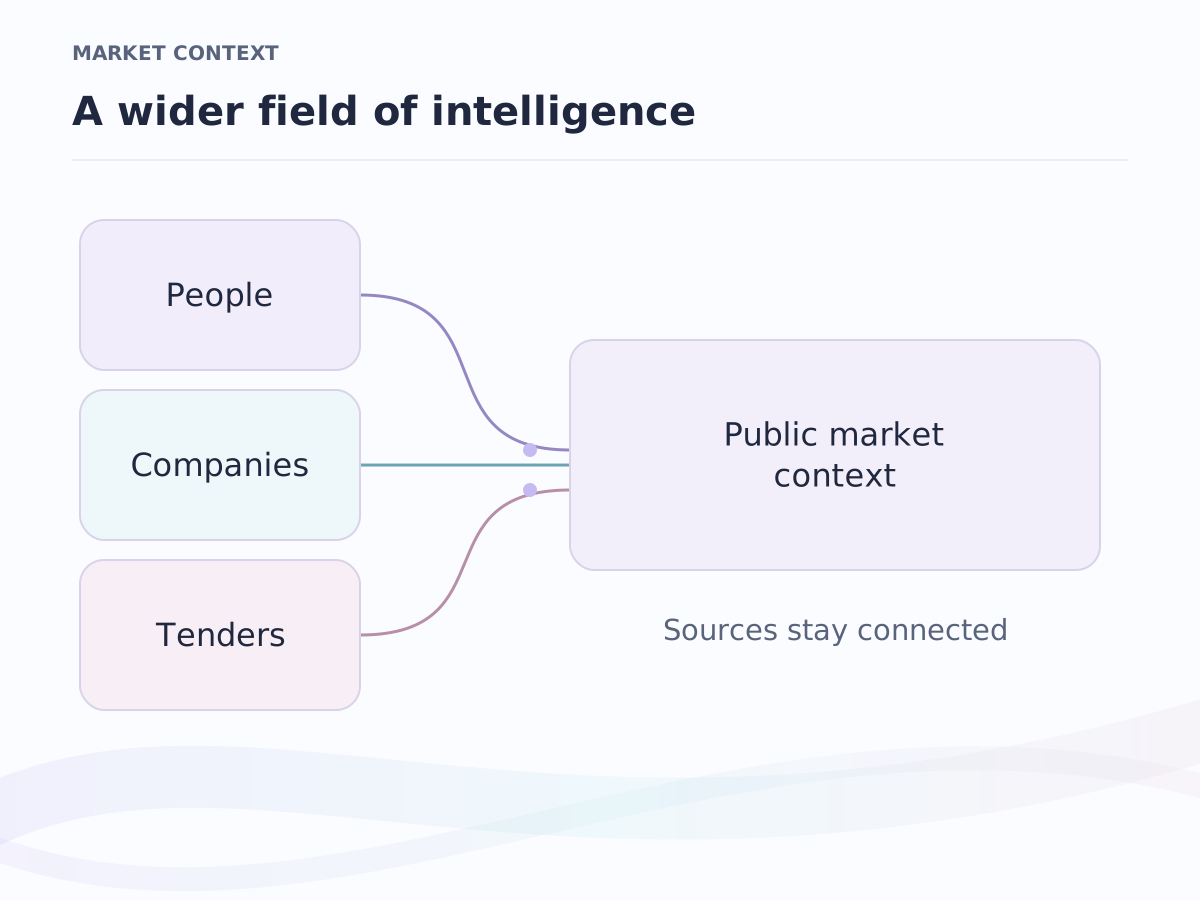
Where it sits. Discover is part of market intelligence: a company you add arrives with what Ishara already knows, and from then on it collects your team's emails, calls and notes in your private context.
Search outside
Find the companies you do not have yet
Describe what you are looking for as filters or as one plain sentence: logistics companies in Dammam, fintech in Riyadh with a hundred people, agencies in Doha. Ishara searches beyond your workspace: Qatar, Bahrain, Saudi Arabia, Kuwait, Oman and the UAE first, then the rest of the world. The search itself is free.
- Preview first
- open what Ishara knows about a company before it is a record: its story, its facts, its links and the companies like it
- Paste a list
- a list of domains, pasted or dropped as a file, becomes a preview of every company behind them
- The price before the click
- adding a company or pulling its people says what it costs in credits before you confirm; nothing is spent by surprise
- Already yours
- a company already in the workspace is marked in the results, so a search never creates a duplicate
Peers and rivals
Every company page knows its neighbours
Open any company and the companies like it are already listed, free. The competitors a person in the industry would name, and a cited comparison against the peers you keep, are one click each, priced before you take it.
Similar companies
Drawn from the company's own website and Ishara's directories, side by side, each with its mark, its story on hover and the actions you need: Open, Look up, Add, Dismiss.
Competitors
Suggested from what the company does and checked against the directory, so the rival a buyer would mention sits at the top, and a wrong one is dismissed in one click.
Compare
A cited comparison across the peers you kept: what each company does and where it stands, with a reference beside every claim and the price shown before you run it.
People
A company's whole team, in your CRM in one run
From any company page, pull its people: a page at a time, or the whole team in one run with the price shown first. Seniority and department are filled for free from the titles, so the team arranges itself by function, by level, or as a structure board with the key people on top.
- Filter people by facts of their company: everyone at banks, every founder in Doha
- An Arabic name finds the people spelled in Latin letters, and the reverse
- Emails and phones found from the Team tab, with the price before the click
Enrichment
A new company fills itself in while you watch
Add a company by name or domain and its fields arrive as they are found: the mark, the description, where it is and what it does. The company's own website is read first, then Ishara's directories; a paid lookup comes last, and only if you ask for it.
- What we know
- a sheet on every company lists what was found and which fields it filled, so nothing is a mystery
- Fill in
- the rows with a gap get one action; one click fills them, at a price shown first
- Your edits win
- a value a person typed is never overwritten by a lookup
Explore the context
An answer is better
with its sources.
Choose a source to see how a market fact, a conversation and a record can inform the next move.
Illustrative walkthrough. All records and source excerpts below are fictional.
Explore enterprise contextOutside your organisation
An account is opening a new chapter.
The example account has announced a regional expansion and a new operations role.
“Our next phase brings operations closer to customers across the region.”
Bring the new operating priorities into your account research before the next conversation.
Public-source context
Inside your organisation
The promise is still in the conversation.
The example customer asked for a pilot outline and named security review as the next checkpoint.
“Let us review the pilot outline and the security requirements together.”
Prepare the outline with the security requirements attached, then ask the owner to review it.
Visible to the authorised account team
Inside your organisation
A relationship gives the fact a home.
The example account owner is already working with the operations team. The opportunity is in qualification.
Account owner: relationship team. Opportunity stage: qualification.
Keep the proposed follow-up on the existing account, with its owner and current stage.
Existing record permissions apply
Inside your organisation
The next step has a file beside it.
The example pilot brief calls for a two-week evaluation and a shared success checklist.
“Evaluation: two weeks. Success criteria: agreed jointly before the pilot.”
Carry the agreed evaluation criteria into the follow-up instead of starting from a blank page.
Available to authorised document readers
Frequently asked questions
Is searching free?
Yes. Searching outside the workspace, previewing a company and reading its similar companies cost nothing. Adding a company, pulling its people, finding competitors and a cited comparison are priced in credits, and every button shows its price before you click.
Which companies can I find?
Companies across Qatar, Bahrain, Saudi Arabia, Kuwait, Oman and the UAE first, and the world after them: 17M companies covered across Ishara. A company's own website is read first.
Will a search create duplicates?
No. A company that is already in your workspace is marked in the results, and adding it again opens the record you have.
Can I bring a list of domains?
Yes. Paste them or drop a file, and every company behind them is previewed before anything is added, with the ones you already have marked.
How do I get access?
Ishara opens in waves. Join the waiting list with a work email and 5,000 credits ($50) are reserved for you, to spend on the companies and teams you add.
Keep exploring
Where to go next.
Market intelligence
People, companies, investors and government tenders, already researched.
Track buyers and competitors
Follow the buyers you sell to and the firms you bid against.
For bid teams
Find, qualify and price government work across six markets.
Early-access pricing
Free, Pro and Business per seat. Enterprise is scoped with the team.
Find the companies you do not have yet.
Join the waiting list: search outside your workspace for free, preview before you add, and pay only for what you keep, at a price you read first. A work email reserves 5,000 credits ($50).
Early access in waves · A work email reserves 5,000 credits ($50) · Arabic and English